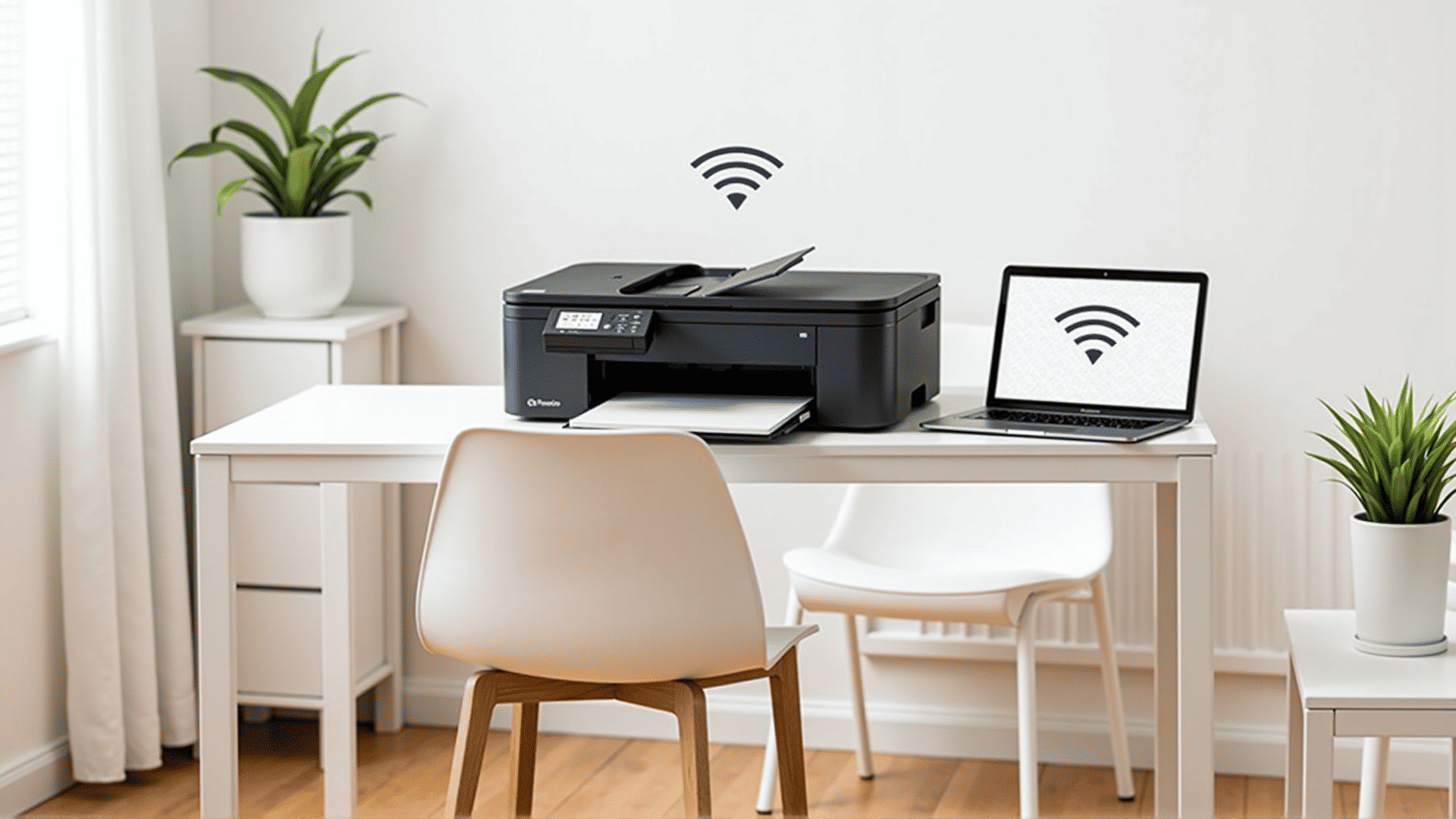
Setting up a wireless printer can often seem like a daunting task, especially with all the technical jargon typically involved. However, with a few simple steps, you can easily connect your printer to a network and enjoy hassle-free printing from any device connected to the same network.
Step 1: Unbox and Power Up
Start by unboxing your printer and placing it on a flat surface near your router. Confirm that you have all necessary components, including the power cable and any setup instructions. Plug in the printer and power it on.
Step 2: Connect to Wi-Fi
Most modern printers come equipped with a built-in screen and a menu button. Navigate through the settings to find the wireless setup wizard. The printer will scan for available networks. Select your network from the list and input the Wi-Fi password when prompted. It's crucial to ensure that both the printer and the device you intend to print from are linked to the same network.
Step 3: Install Printer Software
To allow your devices to communicate with the printer effectively, you'll need to install the appropriate software. Visit the manufacturer's website to download the latest drivers and installation package. Follow the on-screen instructions to complete the setup on your computer, mobile phone, or tablet.
Step 4: Test Print
Once the installation process is complete, it’s a good idea to print a test page. This will help you confirm that the printer is properly connected and functioning as expected. Use your device to open a document and select your newly installed printer as the preferred choice.
Step 5: Troubleshoot Connectivity Issues
If the printer does not appear in your list of available devices, ensure that it is powered on and properly connected to the Wi-Fi network. Double-check the password, as an incorrect entry can prevent successful connection. Additionally, your network's firewall settings can sometimes block new devices, so verify that your router isn't limiting the printer.
Step 6: Enjoy Seamless Printing
With your wireless printer connected, you can now enjoy the convenience of printing from anywhere within your home's network range. Whether it's a work document or a personal photo, simply send the file to your printer and watch it come to life in an instant.
This straightforward approach to wireless printer configuration ensures that you'll spend less time fumbling with setup issues and more time benefitting from the ease and efficiency of modern printing technology.